Use Vantage to deploy a Jupyter notebook environment in minutes. Whether you're running workloads on-premises or in the cloud, Vantage makes it simple.
Prerequisites
- Login to Vantage
- Prepare a cluster
Step-by-Step Guide
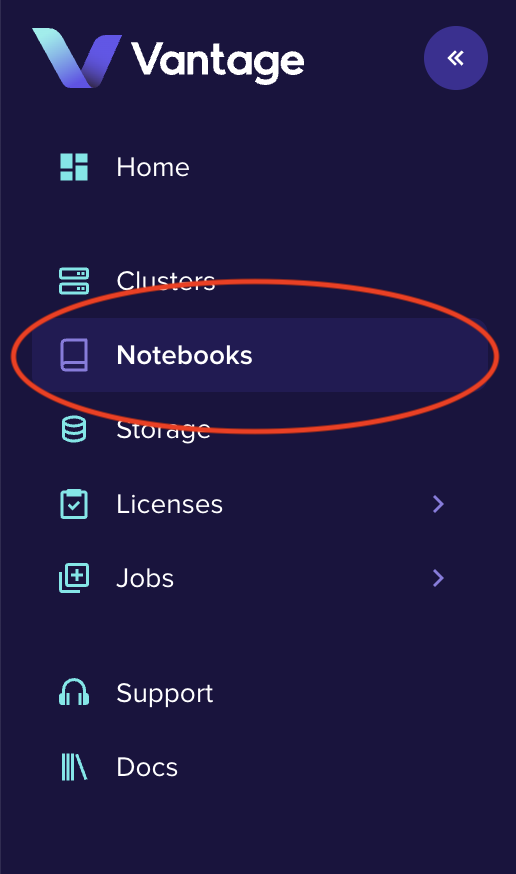
1Navigate to the notebooks tab in the main menu.
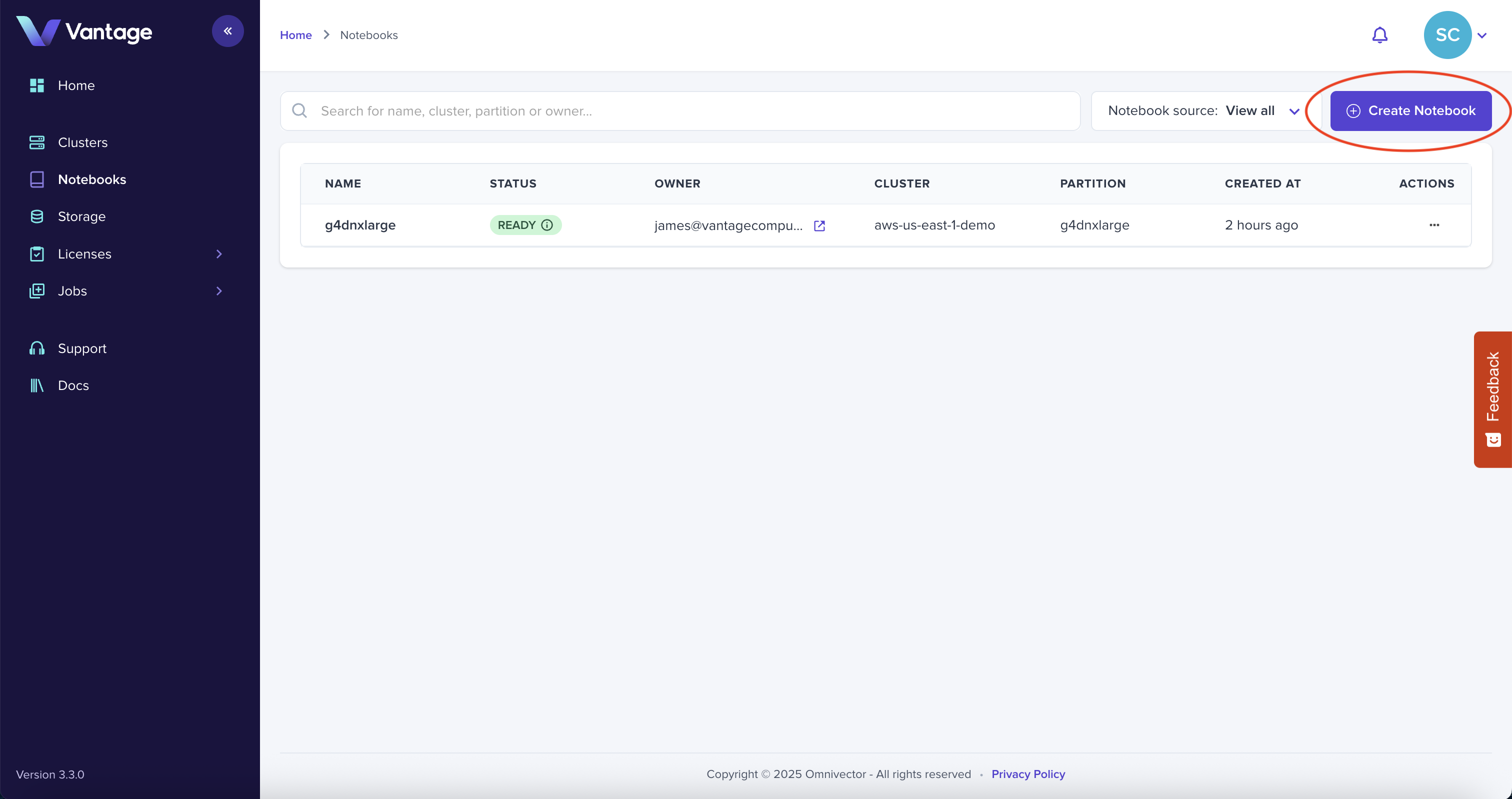
2Click "Create Notebook" in the upper right corner of the page.
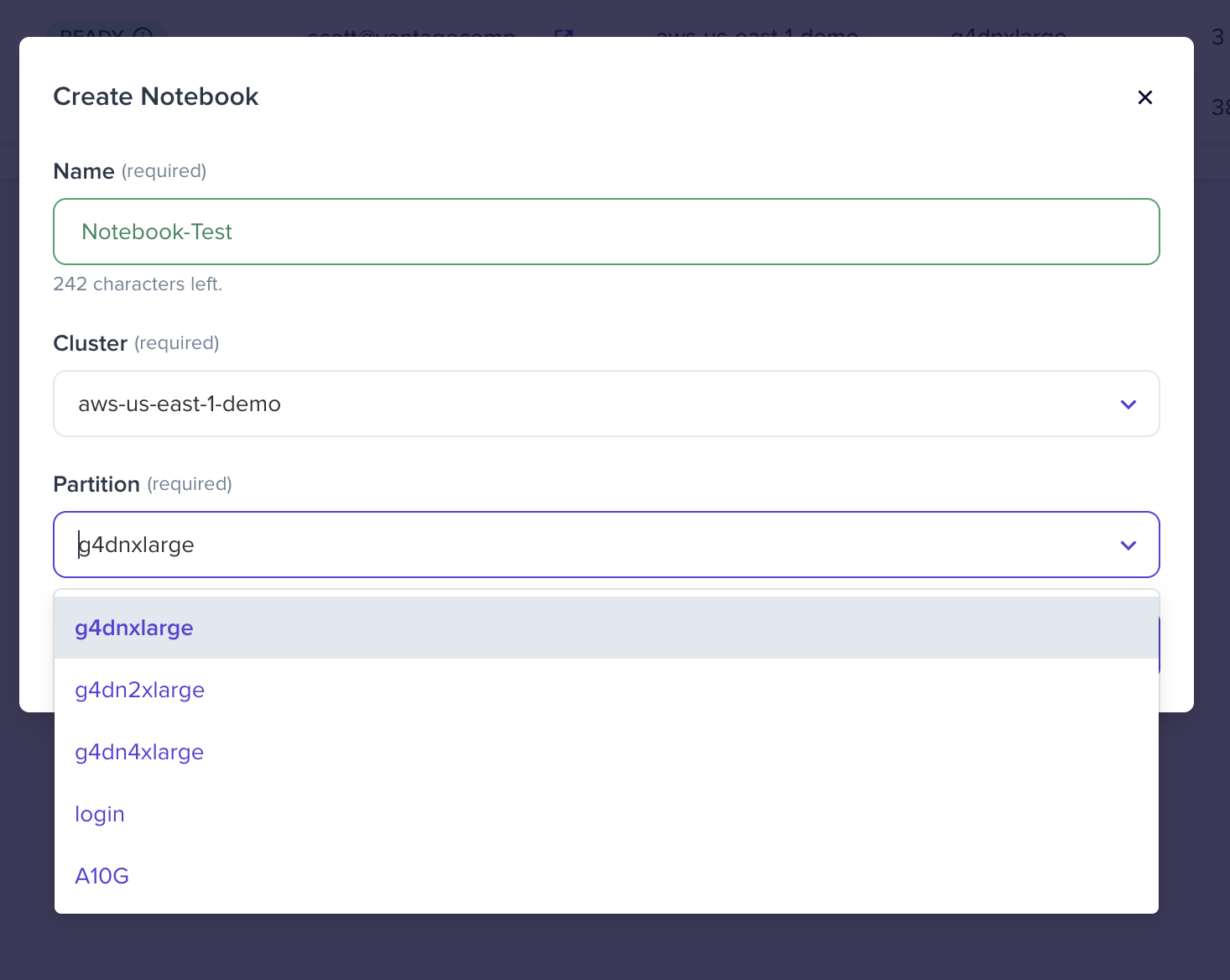
3Give your Notebook a name, select your cluster and partition.
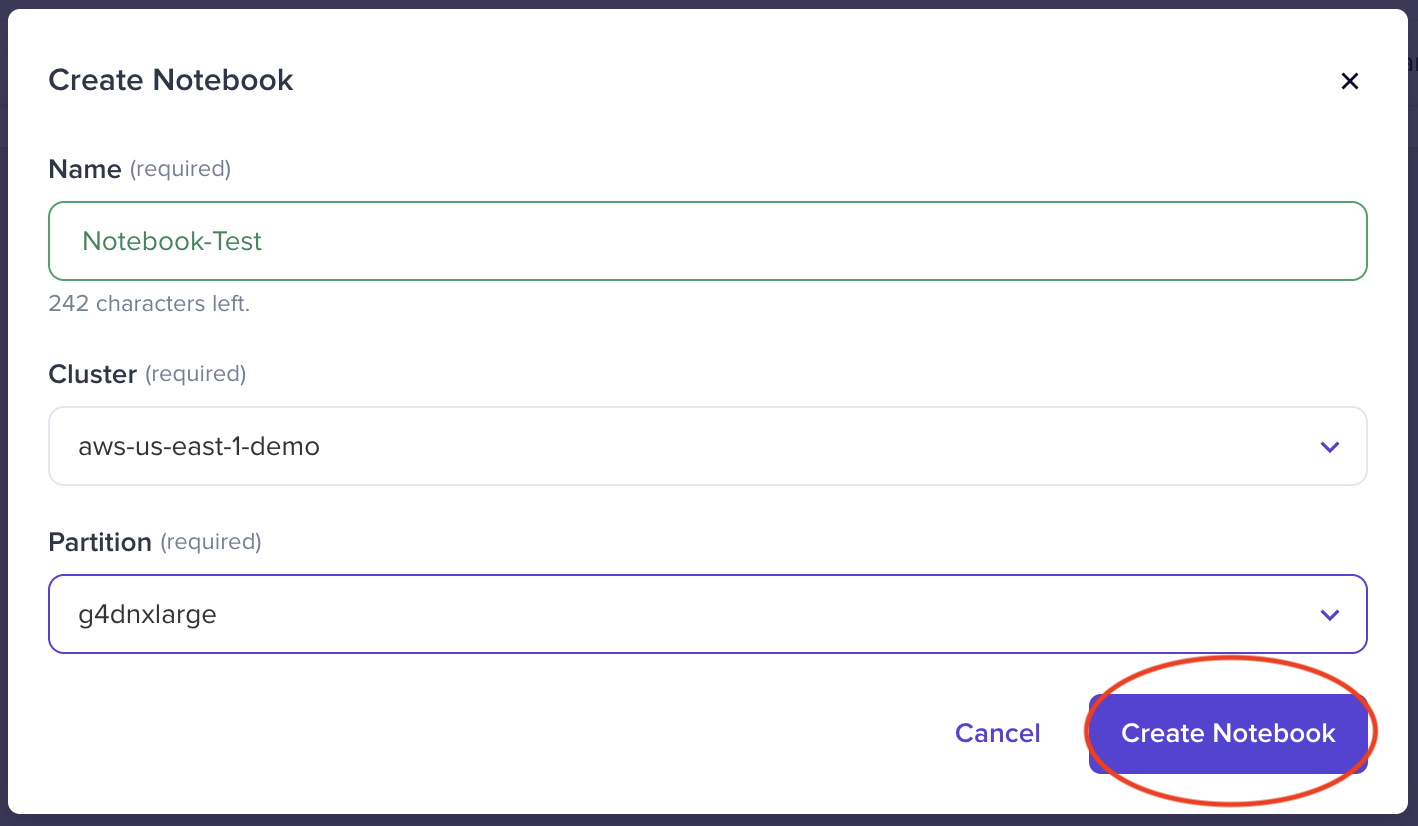
4Click "Create Notebook".
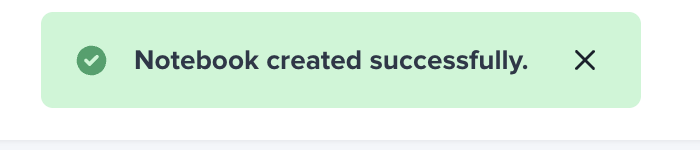
Congratulations! You've successfully created your first notebook.
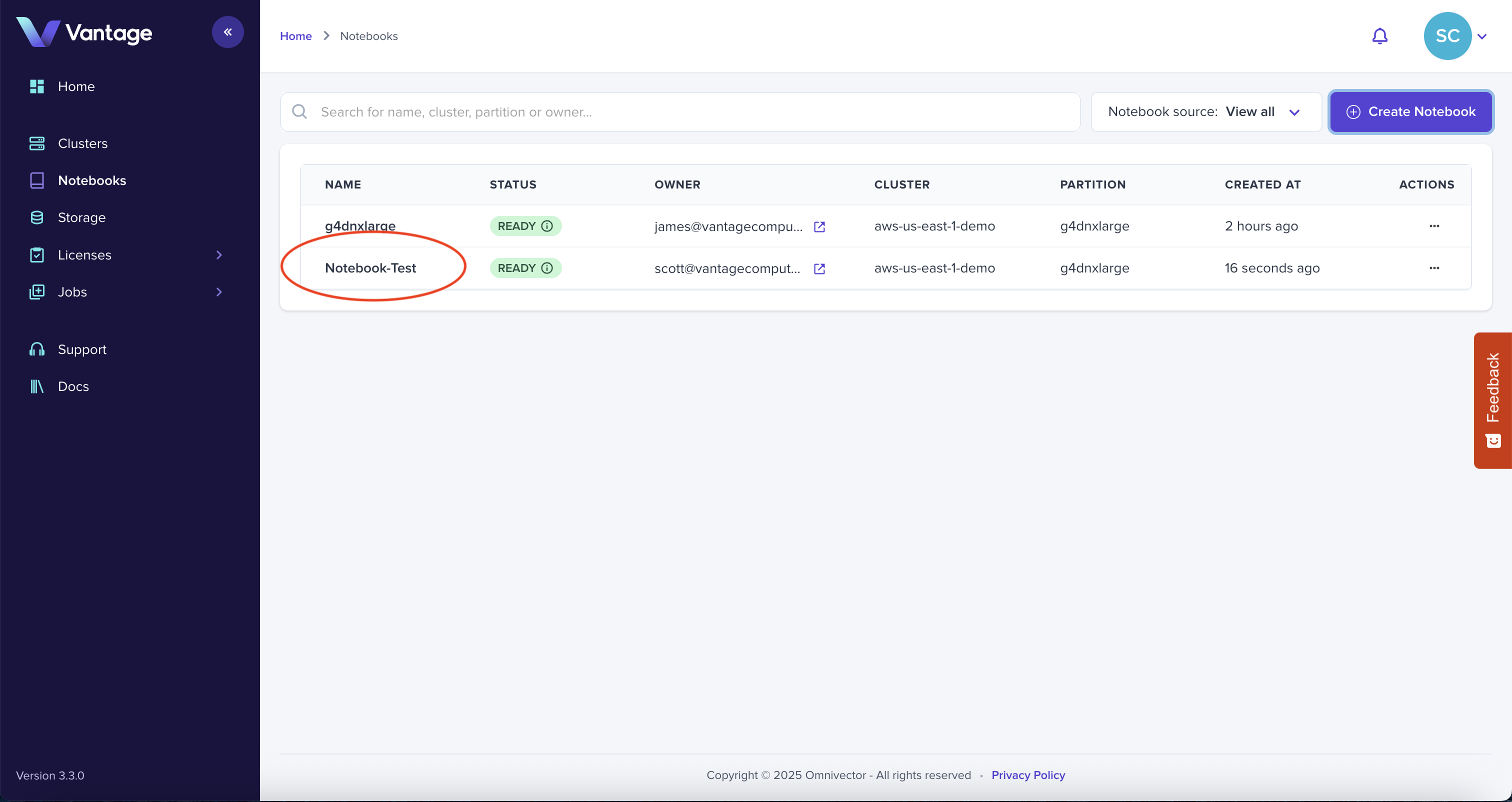
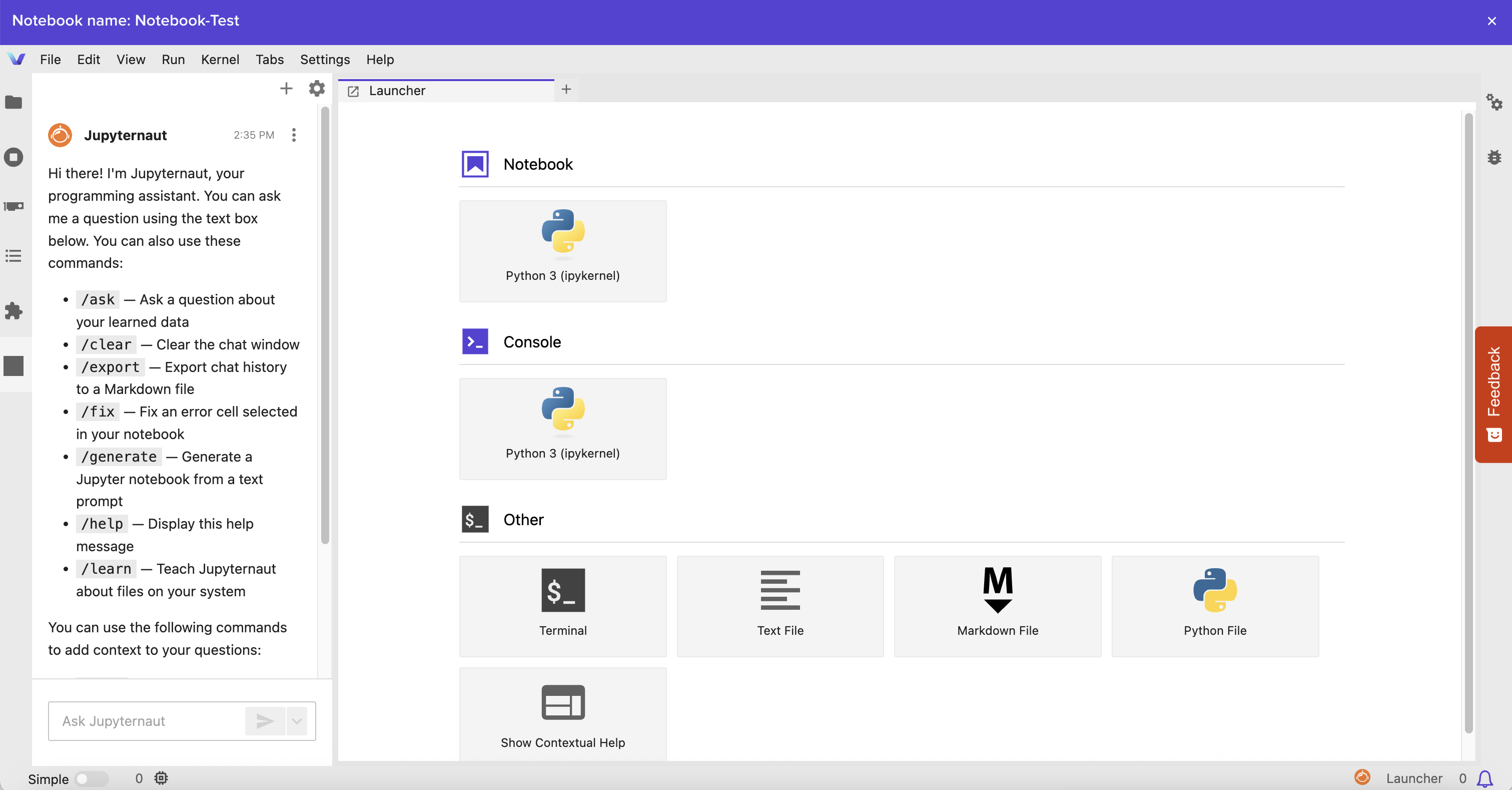
5Select your new notebook to launch.
Explore, Build, and Innovate
Launching a notebook in Vantage is just the beginning. With your environment up and running, you're now equipped to dive into data exploration, model development, and rapid experimentation—without infrastructure hassles.
Ready to get started?
Request a Demo